Password Generator: How to Generate Strong Passwords Online and in Code
Learn how to generate strong passwords online, in Python, JavaScript, and Bash. Covers cryptographically secure randomness, character sets, and length best practices.
- password generator
- password
- security
- python
- random
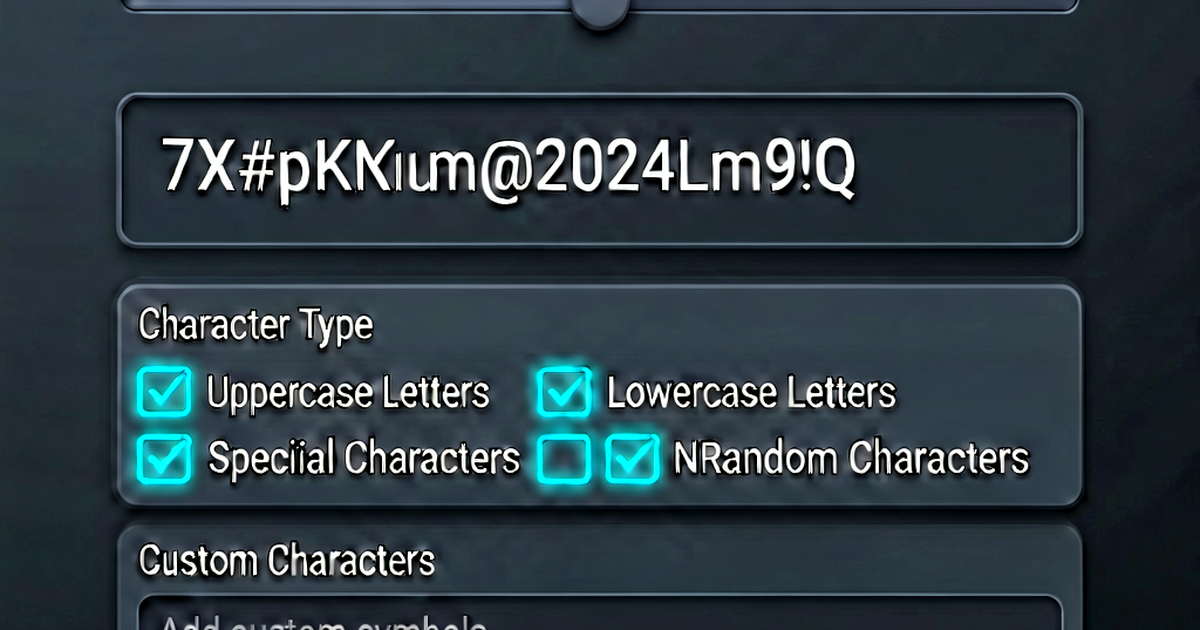

A strong password generator uses a cryptographically secure random number generator (CSPRNG) to produce passwords that are unpredictable and unguessable. This guide covers online tools and how to generate passwords in common programming languages.
What a secure password generator does
A secure generator:
- Uses a CSPRNG (not
Math.random()orrand()) - Draws from a specified character set
- Produces a password of the specified length
The key distinction is cryptographic security. Standard pseudo-random number generators (PRNGs) have predictable output if the seed is known. CSPRNGs are designed to be unpredictable even to an attacker who knows previous outputs.
Generate passwords online
passwordgen.io generates passwords in your browser using the Web Crypto API (crypto.getRandomValues()), which is a CSPRNG. The password is never sent to any server.
Options typically include:
- Length — 16, 20, 32 characters (or custom)
- Character sets — uppercase, lowercase, digits, symbols
- Count — generate multiple at once
Generate passwords in Python
Python’s secrets module uses the OS CSPRNG:
import secrets
import string

# Full printable ASCII (letters + digits + punctuation)
alphabet = string.ascii_letters + string.digits + string.punctuation
password = ''.join(secrets.choice(alphabet) for _ in range(20))
print(password)  # e.g., "Xk9#mQ2!pLr7vN4@sW0"

# Alphanumeric only (no symbols — for systems that restrict special chars)
alphanum = string.ascii_letters + string.digits
password = ''.join(secrets.choice(alphanum) for _ in range(24))
print(password)

# Just letters and digits, URL-safe
url_safe_chars = string.ascii_letters + string.digits + '-_'
password = ''.join(secrets.choice(url_safe_chars) for _ in range(20))
# Faster: generate a random byte string and encode it
import secrets
# Base64-encoded (URL-safe, ~4/3 * bytes of entropy)
password = secrets.token_urlsafe(16) # 16 bytes → ~22 char base64
print(password) # e.g., "Xk9mQ2pLr7vN4sW0aB"
# Hex string (128 bits = 32 hex chars)
password = secrets.token_hex(16)
print(password) # e.g., "a3f2b8c91d4e5f607182"Never use random for security purposes:
import random  # Wrong — not cryptographically secure

# This is predictable and should never be used for passwords
password = ''.join(random.choice(string.ascii_letters) for _ in range(20))
Generate passwords in JavaScript
In browsers and modern Node.js, use the Web Crypto API:
// Browser / Deno / Node.js 19+
function generatePassword(length = 20, charset = null) {
  const chars = charset ||
    'ABCDEFGHIJKLMNOPQRSTUVWXYZabcdefghijklmnopqrstuvwxyz0123456789!@#$%^&*';
  const array = new Uint32Array(length);
  crypto.getRandomValues(array);
  return Array.from(array, (x) => chars[x % chars.length]).join('');
}

console.log(generatePassword(20));
// Node.js (any version): using crypto module
const crypto = require('crypto');
function generatePassword(length = 20) {
const chars = 'ABCDEFGHIJKLMNOPQRSTUVWXYZabcdefghijklmnopqrstuvwxyz0123456789!@#$%';
const bytes = crypto.randomBytes(length);
return Array.from(bytes, (b) => chars[b % chars.length]).join('');
}
// Or: generate a base64 token
const token = crypto.randomBytes(16).toString('base64url');
// → e.g., "Xk9mQ2pLr7vN4sW0"Never use Math.random():
// Wrong — Math.random() is not cryptographically secure
Math.random().toString(36).slice(2);
Generate passwords in Bash
# openssl: generate random bytes and encode to base64
openssl rand -base64 24 | tr -dc 'a-zA-Z0-9!@#$%^&*' | head -c 20
echo

# /dev/urandom: read random bytes and filter to safe chars
</dev/urandom tr -dc 'a-zA-Z0-9!@#$%' | head -c 20
echo

# pwgen: install separately (apt install pwgen)
pwgen -s 20 1  # -s = secure (CSPRNG)

# Using Python one-liner in Bash
python3 -c "import secrets, string; \
  print(''.join(secrets.choice(string.ascii_letters + string.digits) for _ in range(20)))"
Generate API keys and secrets
For machine secrets (API keys, HMAC secrets, session tokens):
import secrets

# 32-byte hex string (256-bit key)
api_key = secrets.token_hex(32)

# URL-safe base64 token (good for session tokens)
session_token = secrets.token_urlsafe(32)

# Fixed-length alphanumeric key (for user-facing API keys)
import string
chars = string.ascii_uppercase + string.digits
api_key = ''.join(secrets.choice(chars) for _ in range(32))
# Generate a 256-bit JWT secret (hex)
openssl rand -hex 32
# Generate an HMAC key (base64)
openssl rand -base64 32Recommended lengths
| Use case | Minimum length | Charset |
|---|---|---|
| User account password | 20 characters | Full ASCII |
| API key | 32 characters | Base62 or hex |
| HMAC secret | 32 bytes (64 hex chars) | Hex or base64 |
| Session token | 32 bytes | URL-safe base64 |
| Encryption key | 32 bytes (256-bit) | Binary/hex |
| JWT secret | 32+ bytes | Hex or base64 |
Generate passwords at passwordgen.io.

Related reading
-
Passphrase vs Password: Which Is More Secure?
Compare passphrases and passwords by entropy, memorability, and attack resistance. Learn when to use a passphrase, how Diceware works, and NIST recommendations.
-
What Makes a Good Password? Length, Entropy, and Randomness
Learn what actually makes a password good: length, randomness, uniqueness, and entropy. Debunks common myths and explains NIST 2024 password guidelines.
-
How to Create a Strong Password: A Practical Security Guide
Learn what makes a password strong in 2026: length, randomness, uniqueness, and manager use. Covers NIST guidelines, entropy, and what to avoid.